For special needs ministries and classes
Know every friend by name.
ColorMyClass turns your group's faces and names into games, coloring, dress up, routines and a talk board, with every name read aloud. For iPad and iPhone.
Your own group
Real photos and names of the people in your class, not cartoons.
Every name read aloud
Big buttons, pictures and speech, so friends who don't read can join in.
Made with a ministry
Built alongside a special needs ministry, for adults and kids alike.
Learn names
A game for learning every friend's name
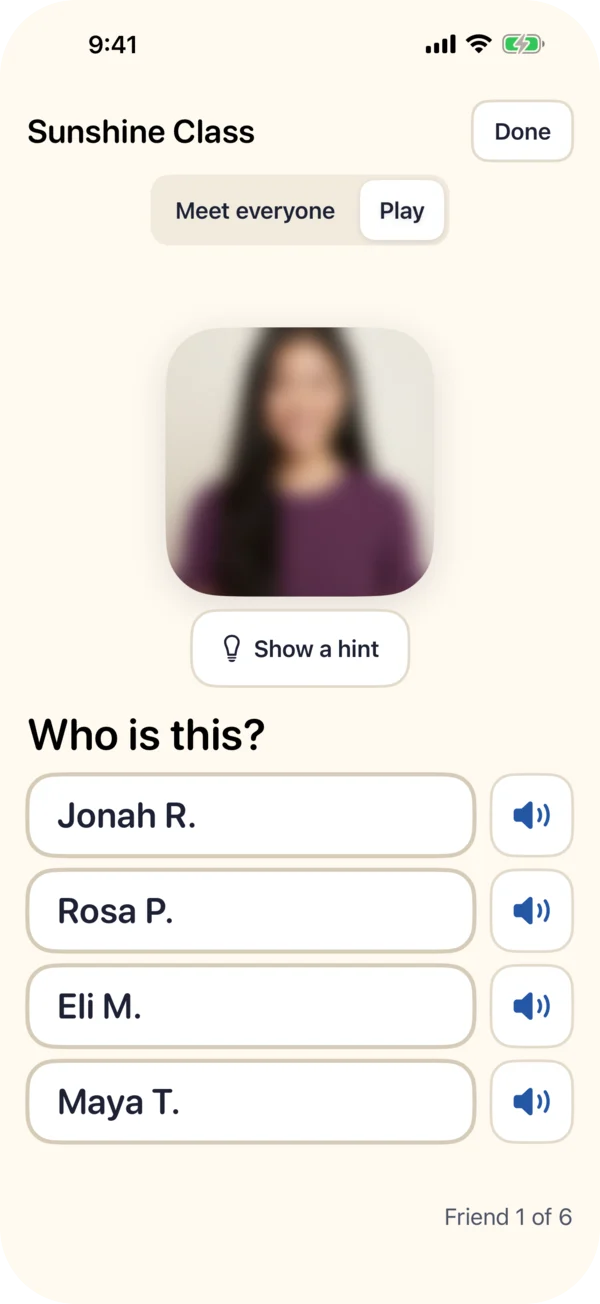
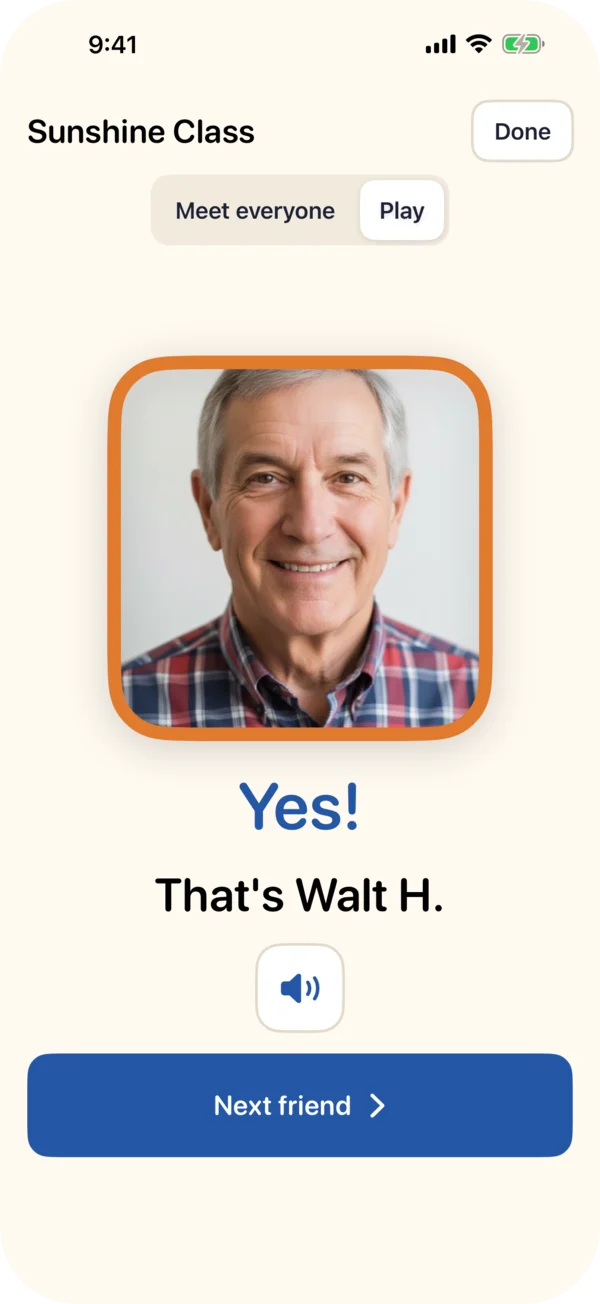
Meet everyone first, one face and name at a time. Then play: a friend's photo starts blurry, and you pick their name from four, each one read aloud.
- Show a hint whenever you need one
- A right answer gets a cheer: “Yes! That's Walt H.”
- A miss is a gentle “Good try” that shows both friends
- Names are said the way each person likes, on every device
Communicate
Say what you need and how you feel
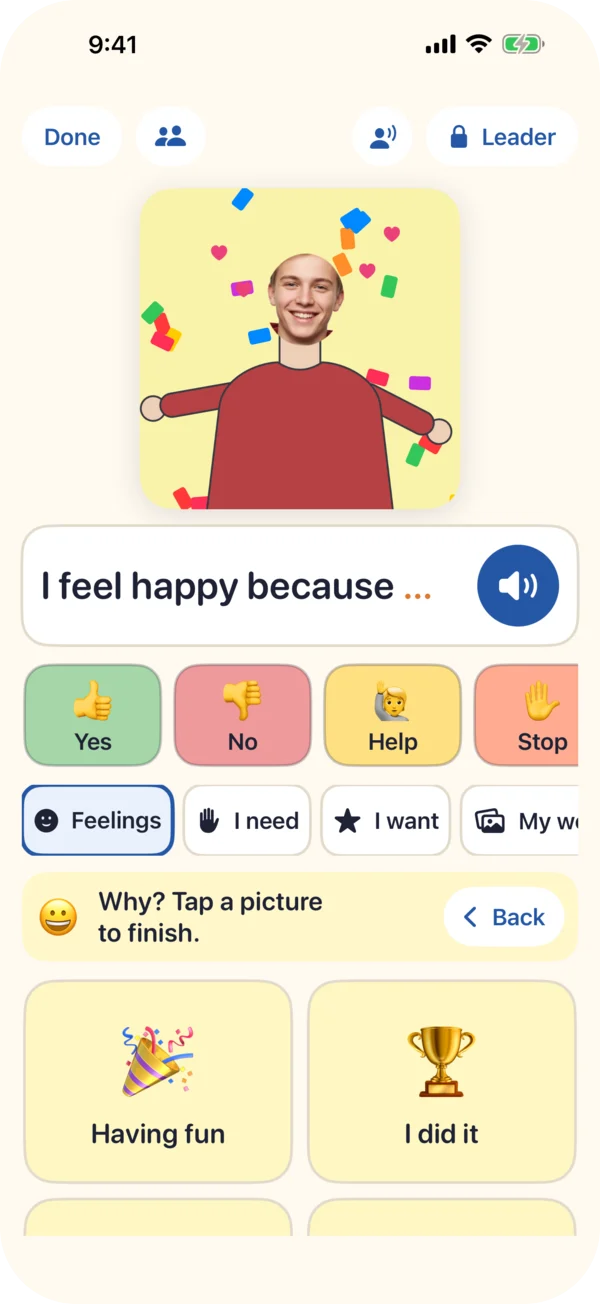
A talk board with big pictures that speaks for you, with your own face on it. Tap a feeling, then tap why.
- Quick answers: Yes, No, Help, Stop, Wait, More, All done
- Feelings like happy, sad, scared, tired and proud, with a reason to finish the sentence
- I need, I want, and My words for the things each person says most
- Feelings someone shares stay on that device
Routines
Everyday routines, starring them
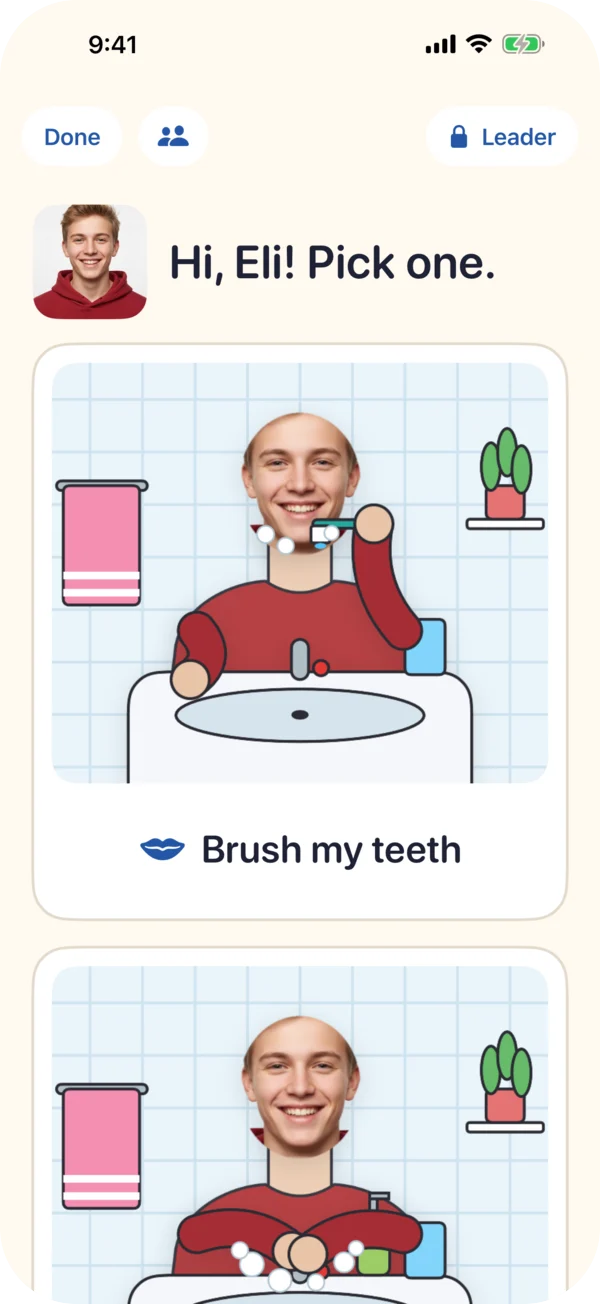
Step by step pictures with each person's own face: brushing teeth, washing hands, making the bed, setting the table, getting ready to go outside.
- One step at a time, read aloud
- Practice, then show what you remember
- Great for building independence at home and at church
Play and color
Their face in the picture
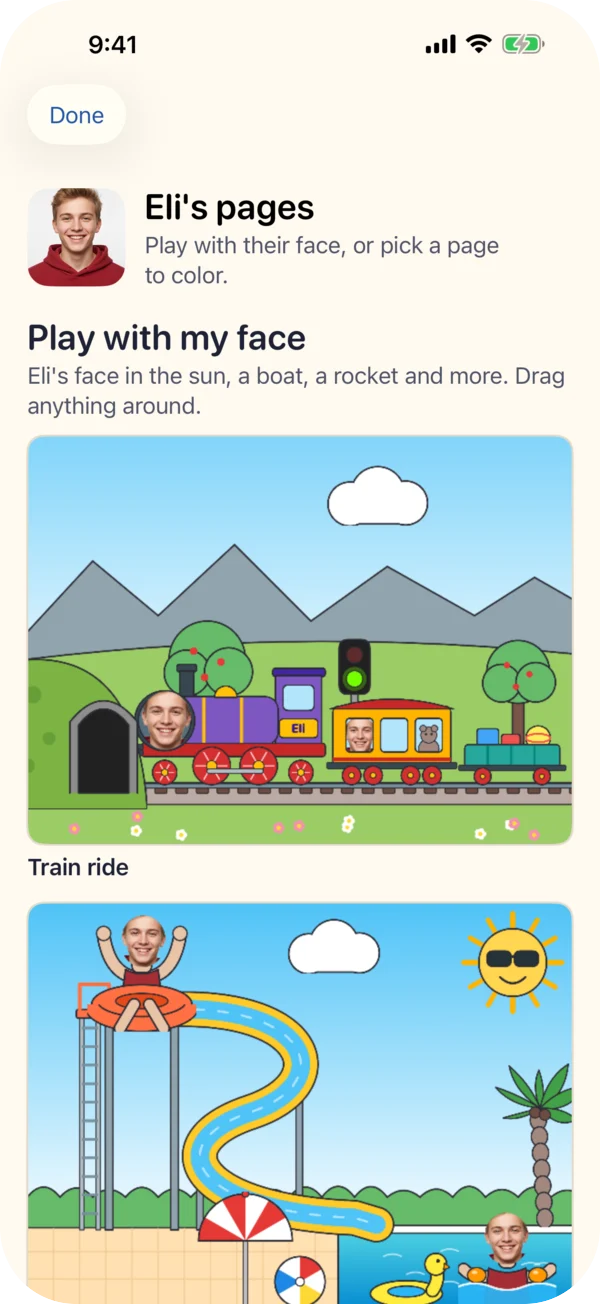
Ride a train, slide into a pool, join the circus or fly to outer space. Drag friends around the scene, color the pieces, then tap Animate for music and movement.
- Seven scenes to play in, with everyone in the group
- Coloring pages with each person's name and face, on screen or printed
- With a family's yes, AI can draw a friend as an astronaut, a superhero or at the beach, ready to color
Dress up
Dress up, talk and dance
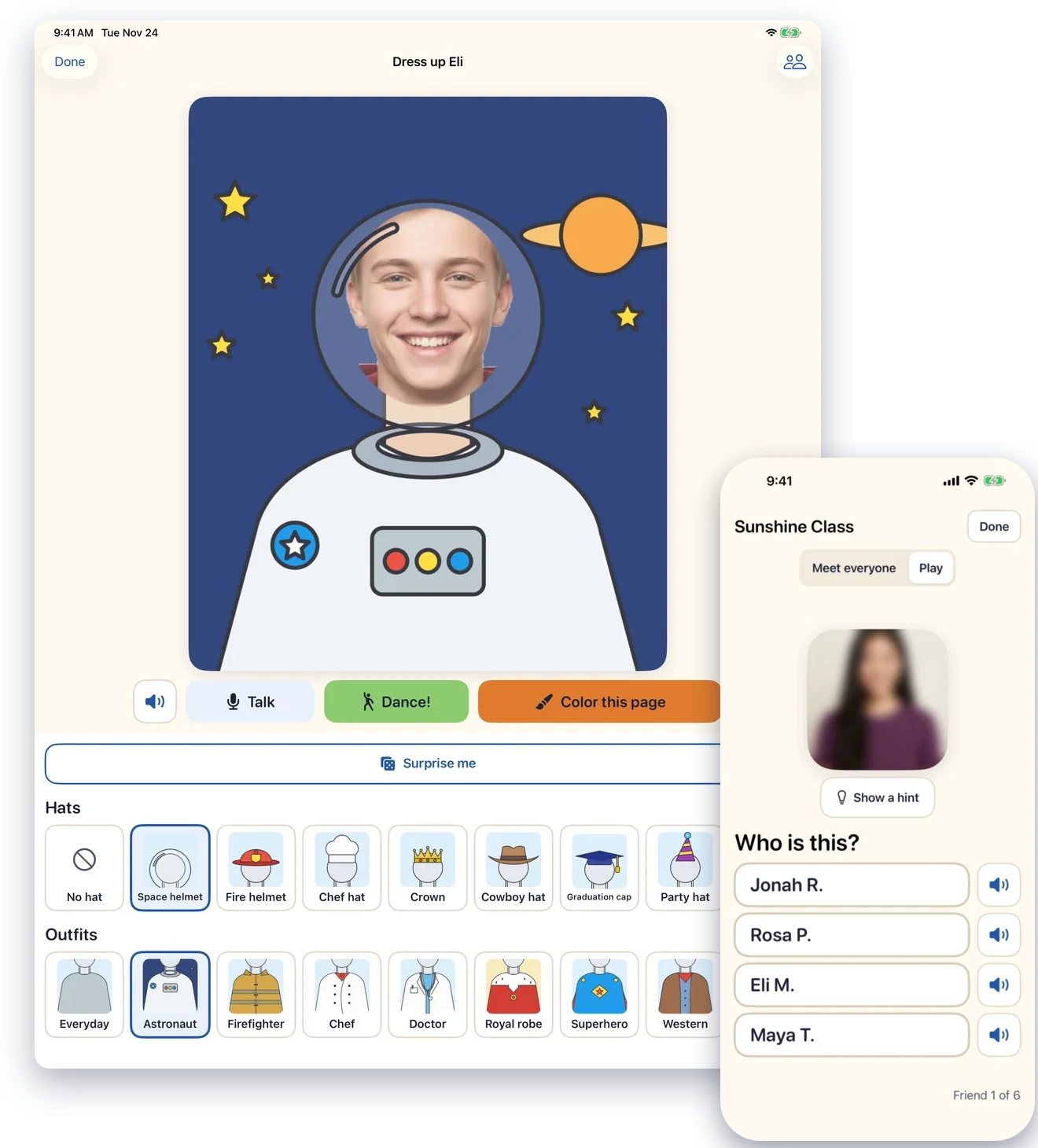
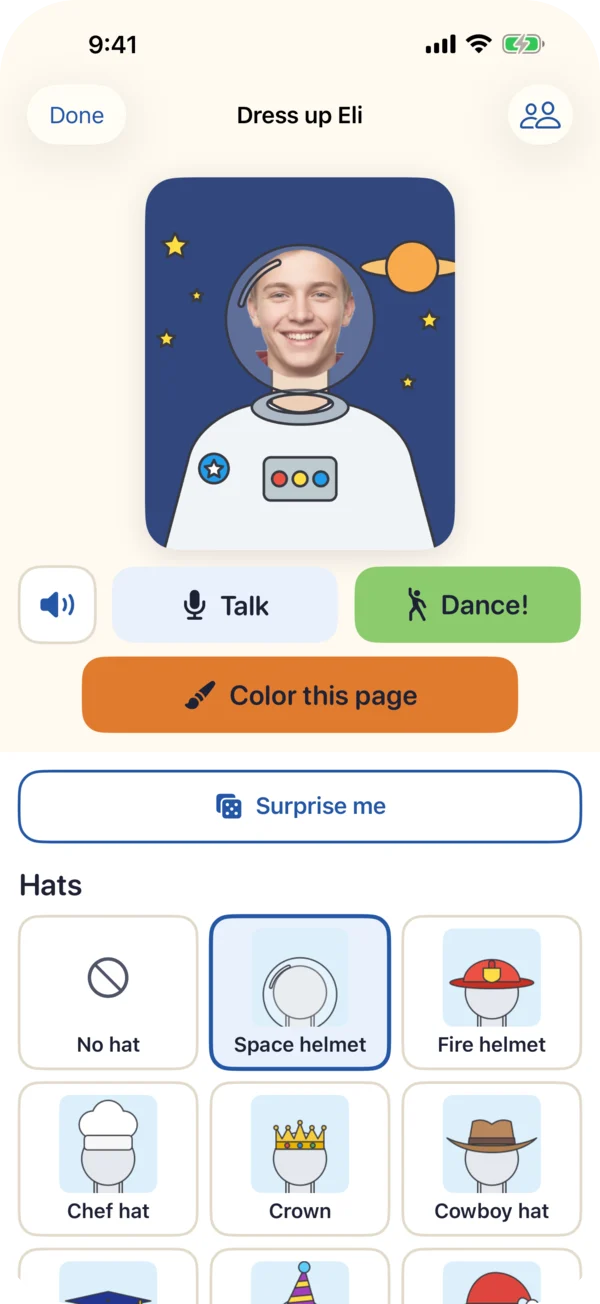
Astronaut, firefighter, chef, doctor, superhero and more, with hats to match. Make them talk, dance to music, or turn the outfit into a page to color.
- Nine outfits and eight hats
- Surprise me picks one for you
- Every name read aloud
Made for iPad, too
Big enough to share at the table
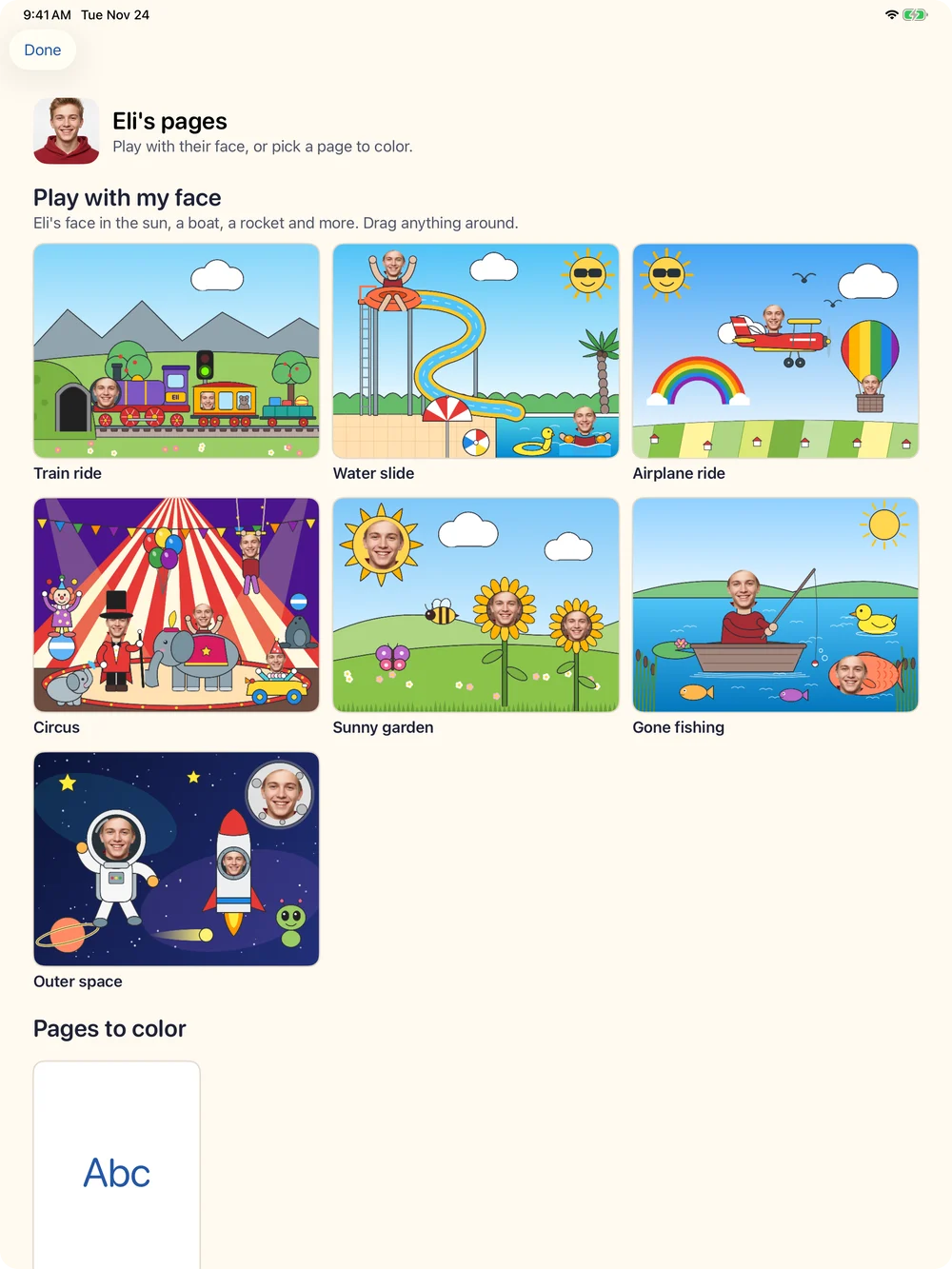
On an iPad every scene fits on one screen, so friends can gather around to play, color and talk together.
Ready for a real classroom
Student mode
Friends pick their own face to start. The teacher side stays behind a teacher PIN.
Every device in step
Add someone once and they show up on every iPad and iPhone in the group.
Works without Wi-Fi
Keeps working without a connection for up to two weeks at a time.
Uses TouchPoint?
A group's people and photos can come straight from your TouchPoint involvement.
How it works
- 1
Set up your group
Your ministry admin adds people and photos in the app, or brings them in from TouchPoint.
- 2
Add each iPad or iPhone
Make a code and type it on the device. Teachers don't need an account, just the code and the teacher PIN.
- 3
Hand it to your friends
Student mode keeps them on the fun side. Settings stay behind the teacher PIN.
Privacy
Careful with every face
- Photos are seen only on your group's own devices.
- Every photo is added with a recorded yes.
- AI pictures are made only for people with a recorded yes, within a monthly limit your admin sets.
- Feelings someone shares stay on that device.
- Removing a device stops it from showing your group, and it clears your group the next time it checks in.
Coming soon to the App Store
Want to try ColorMyClass with your ministry before then? We'd love to hear from you.
Email info@colormyclass.com